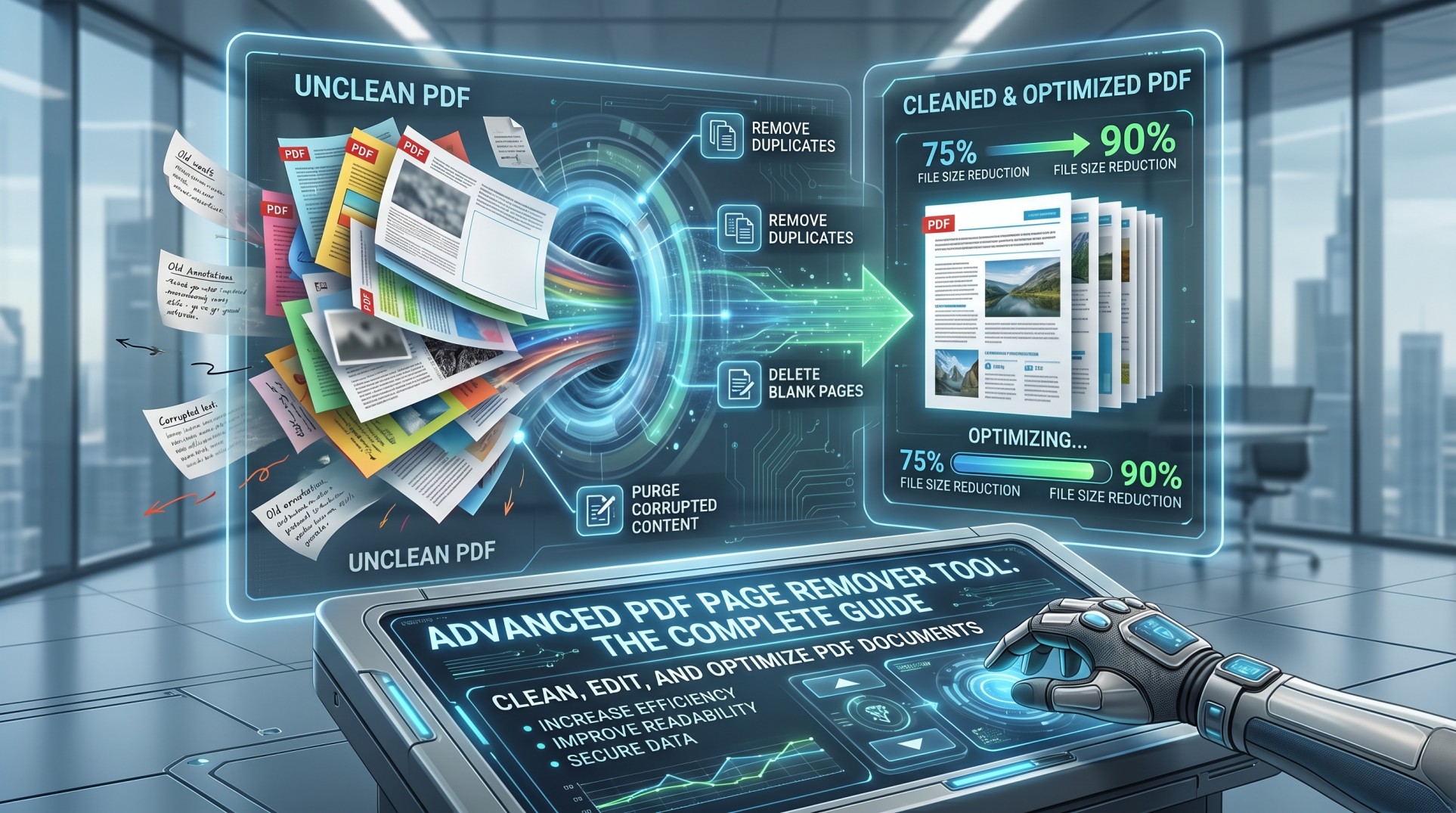
In the modern digital era, PDF files have become the backbone of document sharing across businesses, education, and personal use. However, not every PDF is perfect. Many documents contain unnecessary pages, blank sheets, duplicate content, or outdated information that reduce clarity and professionalism.
This is where an Advanced PDF Page Remover Tool plays a crucial role. These tools go far beyond simple deletion — they provide precision editing, batch removal, intelligent detection, and optimization features that help users manage PDFs efficiently. Whether you're a student, professional, or business owner, mastering PDF page removal can significantly improve your workflow and document quality.
What is an Advanced PDF Page Remover Tool?
An Advanced PDF Page Remover Tool is a specialized software or online utility designed to remove unwanted pages from PDF documents without affecting the remaining content. Unlike basic tools, advanced solutions offer features like:
- Selective page removal (single, multiple, or ranges)
- Batch processing for multiple files
- Automatic blank page detection
- Page preview and reordering
- File optimization and compression
These tools ensure that your PDF remains clean, structured, and professional after editing.
Why Removing Pages from PDFs is Important
Eliminates Unnecessary Content
PDFs often include extra or outdated pages. Removing them ensures focused, concise communication.
Improves Professional Appearance
Clean documents enhance credibility and reflect attention to detail.
Reduces File Size
Deleting unwanted pages can significantly reduce file size, making sharing faster.
Enhances Readability
By removing clutter, readers can focus on the essential information.
Protects Sensitive Information
Users can delete confidential pages before sharing documents publicly.
How PDF Page Remover Tools Work
Most advanced tools follow a straightforward yet powerful process:
Upload or Open PDF File
Display Page Thumbnails
Select Pages to Remove
Delete Selected Pages
Download Clean PDF
Many tools allow drag-and-drop uploads and instant processing, making the entire experience seamless for all users.
Key Features of Advanced PDF Page Remover Tools
Selective Page Deletion
Remove specific pages, multiple pages, or entire ranges with precision.
Batch Processing
Process multiple PDFs simultaneously, saving significant time.
Drag-and-Drop Interface
Intuitive upload interface for quick and easy file editing.
Page Preview & Thumbnails
Visual previews make it easy to identify and remove unwanted pages.
No Quality Loss
Removing pages does not affect the remaining document's quality or formatting.
Security & Privacy
Encryption and secure processing to protect your sensitive documents.
Advanced Features That Set Premium Tools Apart
Advanced PDF page remover tools offer powerful capabilities beyond basic deletion:
Automatically detects and removes blank or near-empty pages, saving time on large documents.
Useful for editing scanned books or reports where only certain pages are needed.
Remove multiple sets of pages in a single operation for maximum efficiency.
Some tools compress PDFs while removing pages, reducing storage and improving sharing speed.
Desktop tools allow editing without uploading files, ensuring the highest level of security.
Online vs Offline PDF Page Remover Tools
| Feature | Online Tools | Offline Tools |
|---|---|---|
| Installation Required | ✓ No | ✗ Yes |
| Internet Required | ✗ Yes | ✓ No |
| Easy to Use | ✓ Yes | Varies |
| Better Data Security | ✗ Varies | ✓ Yes |
| Large File Handling | Limited | ✓ Faster |
| Advanced Features | Basic | ✓ More |
| Usually Free | ✓ Often | ✗ May Cost |
Choosing between them depends on your usage frequency, file sensitivity, and performance needs.
Step-by-Step Guide to Removing Pages from a PDF
- Select a reliable PDF page remover tool.
- Upload or open your PDF file.
- View the page thumbnails displayed by the tool.
- Select the pages you want to remove.
- Click the Delete / Remove button.
- Save or download the updated, clean PDF.
This simple workflow ensures quick and efficient document cleanup every time.
Common Use Cases for PDF Page Remover Tools
- Business Documents — Remove unnecessary pages from reports, proposals, and contracts before sending.
- Academic Materials — Students and teachers can clean up lecture notes and study materials.
- Legal Documents — Lawyers can extract relevant pages and remove confidential sections safely.
- Publishing — Editors refine manuscripts by removing unwanted or draft pages.
- Personal Use — Users can clean scanned documents or remove duplicate pages from downloaded files.
Challenges in PDF Page Removal
Despite their usefulness, users may encounter certain challenges:
- Permanent Deletion — Once pages are removed, they cannot be recovered unless a backup exists.
- Encrypted PDFs — Some files require permissions or a password before editing is allowed.
- Large File Handling — Very large PDFs may take longer to process on some tools.
- Formatting Issues — Rarely, complex layouts may face minor inconsistencies after removal.
Best Practices for Using PDF Page Remover Tools
- Always keep a backup copy of the original file before editing.
- Double-check selected pages using the preview feature before deletion.
- Use tools that offer page thumbnails for accurate selection.
- Optimize and compress the file size after editing for easier sharing.
- Choose secure platforms with clear privacy policies for sensitive data.
Top Tools for Removing Pages from PDFs
Adobe Acrobat
Secure and professional — industry standard
Tecbyte
Simple and user-friendly online tool
iLovePDF
Free and versatile with many features
PDF24 Tools
Fast, efficient, and easy to use
PDFgear
Privacy-focused and completely ad-free
Future Trends in PDF Editing Tools
AI Integration
Artificial intelligence will enable smarter page detection and automated editing decisions.
Cloud-Based Collaboration
Users can edit and share PDFs with team members in real-time.
Enhanced Security
Advanced encryption and privacy features will become the standard across all tools.
Mobile Optimization
More tools will be fully optimized for smartphones and tablets on the go.
Why Advanced PDF Page Remover Tools Matter
In today's digital workflows, efficiency is key. Advanced PDF page remover tools help users across every industry:
They are essential for anyone working with PDFs on a regular basis, whether handling business reports, academic materials, or personal files.
Conclusion
The Advanced PDF Page Remover Tool is a powerful solution for managing and optimizing PDF documents. By allowing users to remove unnecessary pages quickly and accurately, these tools improve clarity, reduce file size, and enhance overall document quality.
With features like batch processing, intelligent blank page detection, and secure editing, advanced tools go far beyond basic functionality. Whether you are handling business reports, academic materials, or personal files, using a reliable PDF page remover can transform your workflow and ensure your documents are always professional and polished.
Remove PDF Pages Instantly
Delete unwanted pages from your PDF files quickly and securely with TecByte free online tool. No installation required.
Remove Pages Now