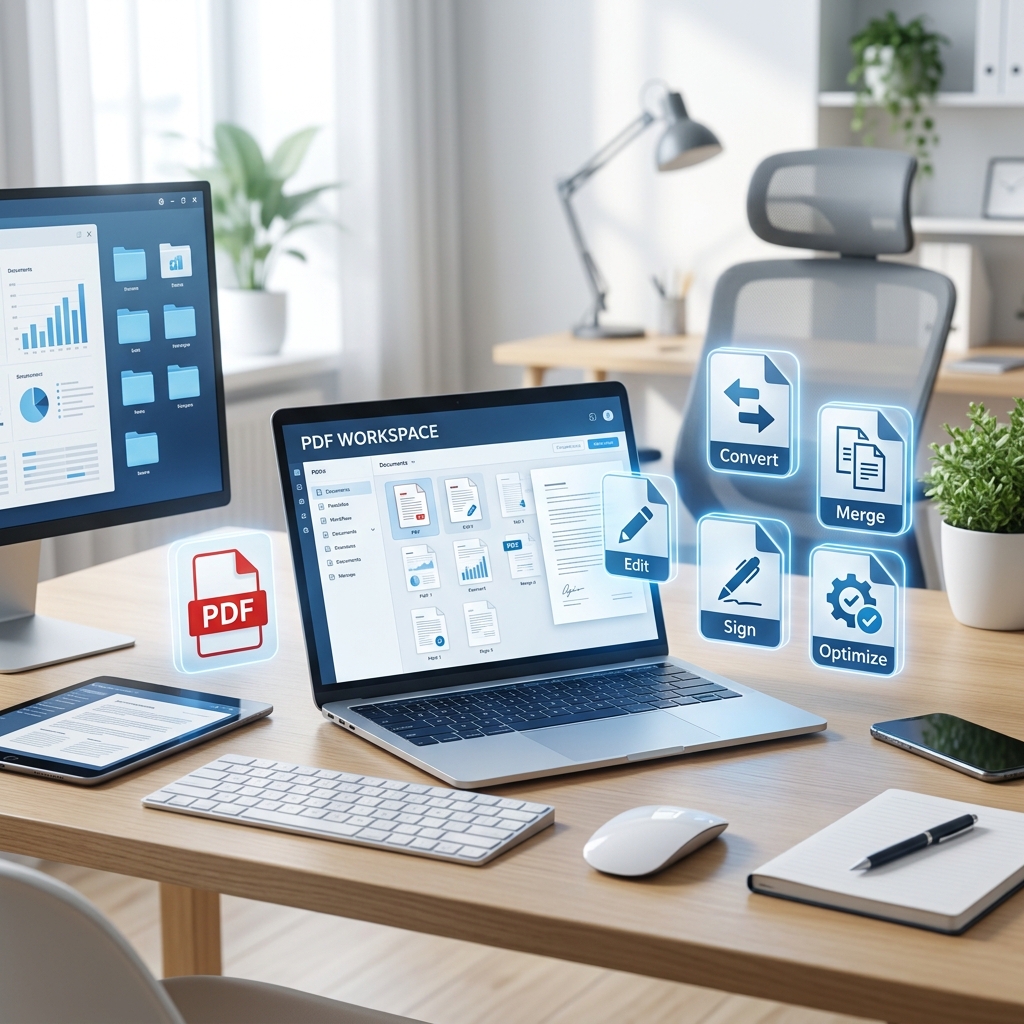
PDF files are part of everyday work. Businesses use them for invoices, contracts, proposals, reports, and forms. Students use them for assignments, notes, ebooks, and research papers. Freelancers use them for portfolios, resumes, and client agreements. No matter the profession, PDFs remain one of the most common file formats in the world.
The challenge is that PDFs are not always easy to manage without the right tools. Without proper tools, simple tasks like combining files, shrinking attachments, or signing contracts can waste valuable time. Think of PDF tools like kitchen appliances — you could cook everything with one pan, but using the right tool saves time and gives better results.
Why PDF Tools Are Important in 2026
Faster Document Workflows
Good PDF tools automate repetitive jobs such as converting, compressing, merging, and editing documents.
Better File Management
They keep files organized, secure, searchable, and easier to share with teams and clients.
Professional Output
Well-managed PDFs reflect attention to detail and improve credibility in every interaction.
Save Valuable Time
Instead of struggling with files, the right tools let you focus on work that actually matters.
How We Chose These PDF Tools
Not every PDF tool is equally useful. Some are rarely needed, while others solve daily problems. We selected tools based on how often people use them in real work environments, their productivity value, and how much time they save for office workers, students, businesses, and freelancers.
10 Essential PDF Tools for Better Productivity in 2026
PDF Merger
A PDF Merger combines multiple PDF files into one document. This is one of the most useful tools for office work, academic submissions, and project management. Imagine sending one clean file instead of five separate attachments — that looks more professional and makes reading easier for clients or managers.
Businesses often merge invoices, reports, contracts, or presentations into one package. Students also use PDF mergers to combine cover pages, assignments, and appendices into one final file.
Best For: Reports, contracts, project filesPDF Splitter
A PDF Splitter does the opposite of a merger. It breaks one large PDF into smaller files or extracts selected pages. This tool is perfect when you only need chapter 3 of a handbook, page 7 of a contract, or one invoice from a monthly statement.
Instead of sending a 100-page file, you can share only what matters. It also helps reduce clutter and improves overall file organization.
Best For: Extracting pages, separating large documentsPDF Compressor
A PDF Compressor reduces file size while maintaining quality. This tool is essential when PDFs are too large for email attachments or slow to upload. Large files waste storage space and slow workflows. A compressed PDF loads faster, sends faster, and stores more efficiently.
Think of it as vacuum-packing your file without throwing away the contents. It is especially helpful for scanned documents with oversized images.
Best For: Email attachments, faster uploads, saving storagePDF to Word Converter
A PDF to Word Converter transforms PDF files into editable Word documents. This is incredibly useful when users receive PDFs that need changes. Instead of retyping pages manually, you can convert the file and edit text instantly.
Businesses often use this for contracts, proposals, resumes, and forms. Accuracy matters most here — good converters preserve formatting, tables, fonts, and spacing.
Best For: Editing locked PDF contentWord to PDF Converter
A Word to PDF Converter turns Word files into polished PDFs that look the same on every device. This tool is essential for resumes, client proposals, legal files, invoices, and reports. Word documents may shift formatting depending on device or software version, but PDFs remain consistent.
It is the final packaging step before sharing any professional document with clients, managers, or partners.
Best For: Final document sharingPDF Editor
A PDF Editor lets users modify text, images, links, and layout inside a PDF. It is one of the most powerful tools in any workflow. Need to fix a typo in a proposal? Replace a logo? Update pricing in a brochure? A PDF editor saves you from rebuilding the file from scratch.
Many editors also support comments, highlighting, forms, and annotations — making collaboration much easier.
Best For: Updating PDFs directlyPDF Password Remover
A PDF Password Remover removes known password restrictions from a file so authorized users can work faster. Sometimes businesses protect files temporarily, then later need unrestricted access for editing or archiving. Entering passwords repeatedly also slows teams down.
This tool should only be used on files you legally own or have permission to manage.
Best For: Authorized internal workflowsPDF Unlocker
A PDF Unlocker removes restrictions such as blocked printing, copying, or editing when access rights allow it. Some PDFs can be opened but still prevent printing or copying text. Unlocking those permissions can restore useful functionality.
This is often used for internal company files, templates, or old archived documents that need to be repurposed.
Best For: Removing editing or printing restrictionsPDF OCR Tool
A PDF OCR Tool converts scanned image-based PDFs into searchable and editable text using Optical Character Recognition. This is a game changer for paper-heavy workflows. Old contracts, receipts, books, handwritten forms, and scanned archives become searchable instantly.
Without OCR, a scanned PDF is just a picture. With OCR, it becomes usable, searchable, and editable data.
Best For: Scanned documents and archivesPDF eSignature Tool
A PDF eSignature Tool allows users to sign documents digitally from any device. Instead of printing, signing, scanning, and emailing back, users can approve contracts in minutes. This dramatically speeds up hiring, sales, vendor approvals, and legal agreements.
It is one of the highest time-saving PDF tools available today and is increasingly becoming the standard in modern business.
Best For: Contracts and approvalsQuick Comparison Table
| Tool | Main Purpose | Best For |
|---|---|---|
| PDF Merger | Combine files | Reports, contracts |
| PDF Splitter | Separate pages | Large documents |
| PDF Compressor | Reduce size | Email, storage |
| PDF to Word Converter | Make editable | Revisions |
| Word to PDF Converter | Finalize files | Sharing |
| PDF Editor | Modify content | Updates |
| PDF Password Remover | Remove known passwords | Internal use |
| PDF Unlocker | Remove restrictions | Printing / editing |
| PDF OCR Tool | Scan to text | Archives |
| PDF eSignature Tool | Digital signing | Approvals |
How to Choose the Right PDF Tool
The best tool depends on your daily needs. Here's a quick guide to matching tools to workflows:
- Handle many files? — Use PDF Merger and PDF Splitter to stay organized.
- Files too large to send? — Use PDF Compressor to shrink without quality loss.
- Need to edit content? — Use PDF Editor or PDF to Word Converter.
- Working with scanned files? — Use the PDF OCR Tool to unlock data.
- Sign contracts frequently? — Use the PDF eSignature Tool to close deals faster.
- Sharing final documents? — Use Word to PDF Converter for consistent formatting.
Benefits of Building a PDF Toolkit
Conclusion
PDF productivity in 2026 is all about speed, simplicity, and flexibility. Instead of wasting time on repetitive file tasks, the right PDF tools solve common problems instantly. A PDF Merger keeps files organized. A Compressor makes sharing easier. A Converter improves editing. An OCR Tool unlocks old documents. An eSignature Tool closes deals faster.
Build your toolkit wisely, and everyday document work becomes smoother, faster, and more professional. Start with the tools that match your most common daily tasks, and expand from there as your needs grow.
Frequently Asked Questions
Q1 What is the most useful PDF tool?
A PDF Merger and PDF Compressor are among the most commonly used tools across all professions and industries.
Q2 Which PDF tool helps edit text?
A PDF Editor or PDF to Word Converter is best for editing text inside a PDF document quickly.
Q3 What tool reduces PDF size?
A PDF Compressor reduces file size while maintaining document quality, making files easier to email and store.
Q4 What is OCR in PDF tools?
OCR (Optical Character Recognition) converts scanned image-based PDFs into searchable and editable text documents.
Q5 Which tool is best for contracts?
A PDF eSignature Tool is ideal for signing and approving contracts digitally from any device, saving significant time.
Explore All PDF Tools on TecByte
Access free online PDF tools for merging, compressing, converting, editing, and more — all in one place. No installation required.
Explore PDF Tools