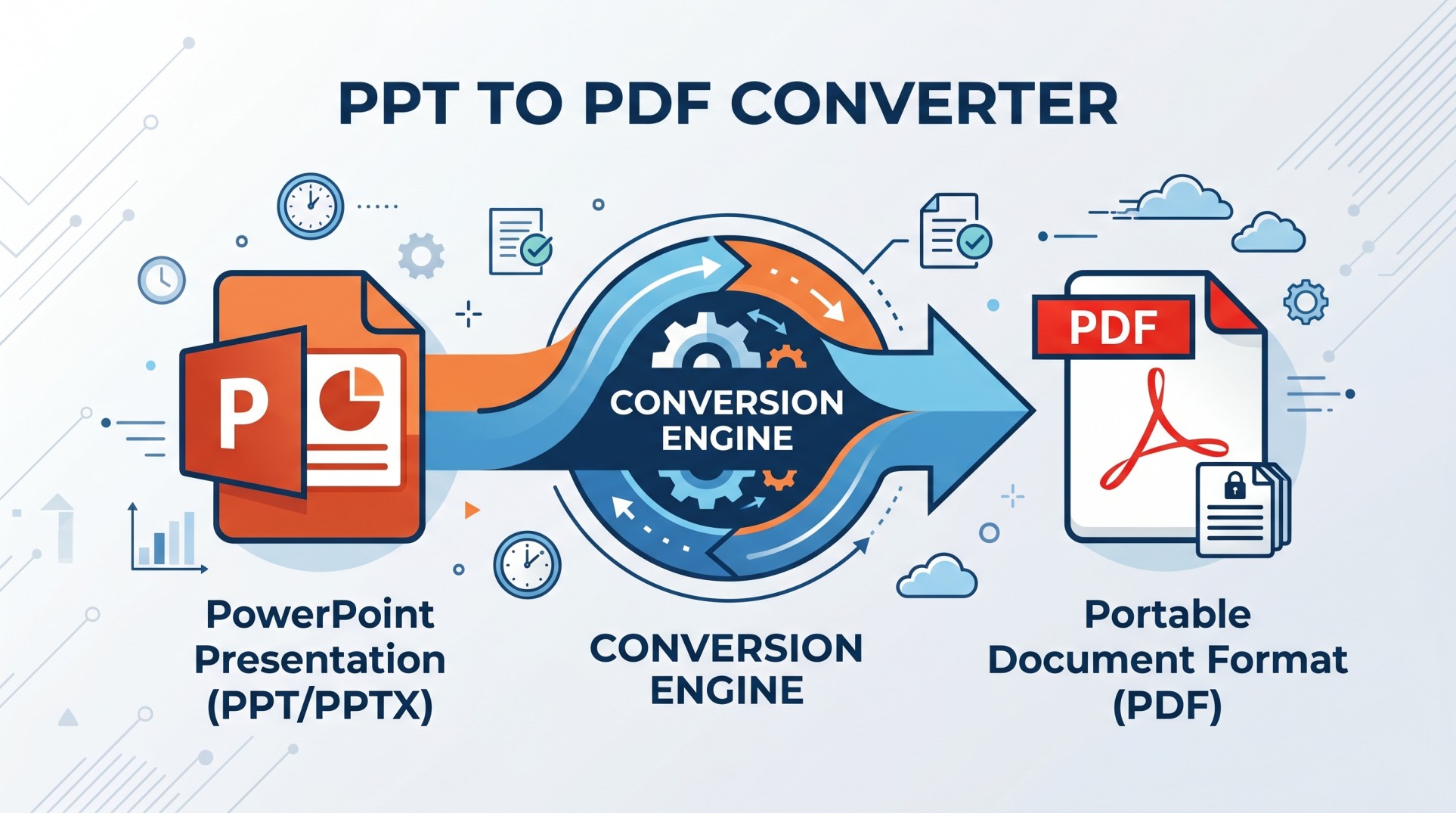
In a fast-paced digital world where presentations are essential for communication, businesses, educators, and professionals rely heavily on PowerPoint files. However, sharing these files can sometimes lead to compatibility issues, formatting errors, or unauthorized edits. This is where a Convert PPT to PDF Tool becomes indispensable.
By transforming PowerPoint presentations into universally accessible PDF documents, users can ensure consistency, security, and ease of sharing across platforms. Using our PPT to PDF Converter Tool, you can transform presentations into professional PDF documents instantly.
Understanding PPT and PDF File Formats
PowerPoint (PPT or PPTX) is widely used for creating visual presentations. It allows users to combine text, images, animations, and multimedia into structured slides. However, PPT files are editable and dependent on software compatibility, which can create challenges when sharing.
PDF (Portable Document Format), on the other hand, is a fixed-layout file format designed for universal viewing. PDFs maintain the original design, fonts, and layout regardless of the device or software used. This fundamental difference makes PDF the preferred format for final document sharing.
What is a Convert PPT to PDF Tool?
A Convert PPT to PDF Tool is a software application or online platform that allows users to transform PowerPoint presentations into PDF documents. These tools are designed to preserve slide formatting, maintain visual quality, ensure cross-platform compatibility, and prevent unauthorized editing.
Most tools operate with a simple process — upload, convert, and download — making them accessible to both beginners and professionals.
Why Converting PPT to PDF is Important
1. Preserves Original Formatting
One of the biggest advantages is that PDFs retain fonts, images, and layout exactly as designed. This ensures your presentation looks identical on all devices.
2. Prevents Unauthorized Editing
When you convert a PPT file into PDF, it becomes non-editable, reducing the risk of unwanted changes to your content.
3. Universal Compatibility
PDF files can be opened on virtually any device without requiring PowerPoint software.
4. Smaller File Size
PDFs are often more compact, making them easier to share via email or online platforms.
5. Professional Presentation
PDFs provide a polished, print-ready format suitable for business and academic use.
How PPT to PDF Conversion Works
The conversion process involves these simple steps:
Upload the PPT or PPTX File
Processing & Conversion Begins
Formatting is Preserved
Download the Final PDF
Many tools can complete this process within seconds, offering fast and efficient conversion for users at all levels.
Key Features of a High-Quality PPT to PDF Converter
- User-Friendly Interface — An intuitive interface allows users to convert files effortlessly.
- Batch Conversion — Advanced tools support converting multiple files at once, saving time.
- High-Quality Output — Ensures no loss of resolution or formatting during conversion.
- Security & Privacy — Top tools use encryption and automatic file deletion for safety.
- Cross-Platform Compatibility — Works on desktops, tablets, and smartphones.
- Additional Editing Tools — Some converters include features like merging, compressing, and editing PDFs.
- No Software Installation — Online tools work entirely in your browser.
Online vs Offline PPT to PDF Converter Tools
| Feature | Online Tools | Offline Software |
|---|---|---|
| Installation Required | ✓ No | ✗ Yes |
| Internet Required | ✗ Yes | ✓ No |
| Often Free | ✓ Yes | ✗ May Cost |
| Better Data Privacy | ✗ Varies | ✓ Yes |
| Large File Handling | Limited | ✓ Better |
| Accessible Anywhere | ✓ Yes | ✗ Device Only |
Choosing between the two depends on your workflow, security needs, and frequency of use.
Best PPT to PDF Converter Tools in 2026
Adobe Acrobat
Industry standard with advanced features
Tecbyte
Easy-to-use online tool
Canva
Design-focused conversion tool
PDFelement
Powerful editing & conversion features
Soda PDF
Intuitive with multiple format support
Step-by-Step Guide to Convert PPT to PDF
- Choose a reliable converter tool
- Upload your PPT or PPTX file
- Select conversion settings (if available)
- Click "Convert"
- Download the completed PDF file
This simple workflow ensures quick and efficient document transformation every time.
Common Use Cases of PPT to PDF Conversion
- Business Presentations — Professionals share reports and proposals in PDF format for consistency.
- Education — Teachers distribute lecture slides as PDFs for easy student access.
- Marketing — Teams share campaign presentations in a polished format.
- Freelancing — Designers and consultants deliver final presentations as PDFs.
- Documentation — Companies archive presentations in PDF for long-term storage.
Challenges in PPT to PDF Conversion
Despite its advantages, users may face some challenges:
- Loss of Animations — PDFs do not support animations or slide transitions.
- Large File Sizes — High-resolution images may increase the final PDF size.
- Formatting Issues — Rarely, complex layouts may not convert perfectly.
- Security Concerns — Uploading sensitive files online can pose privacy risks.
Tips for Best Conversion Results
- Use standard fonts that are widely supported across platforms.
- Avoid excessive animations that will not appear in the PDF.
- Optimize images before conversion to keep file size manageable.
- Check slide dimensions match your intended output format.
- Always review the final PDF on multiple devices before sharing.
Future Trends in PPT to PDF Conversion
AI-Powered Conversion
AI tools are improving layout accuracy and consistency across complex presentations.
Cloud Integration
Cloud-based platforms enable real-time collaboration and instant access anywhere.
Mobile Optimization
More tools are becoming fully mobile-friendly for on-the-go conversion needs.
Enhanced Security
Advanced encryption ensures better data protection during file processing.
Why PPT to PDF Conversion is Essential Today
In modern workflows, sharing information efficiently is crucial. PPT to PDF conversion ensures that content remains consistent, files are accessible globally, documents are secure, and presentations appear professional. This makes it a critical tool for communication in business, education, and beyond.
Conclusion
The Convert PPT to PDF Tool is more than just a file converter — it is a powerful solution for improving document accessibility, security, and professionalism. By transforming editable presentations into fixed, shareable formats, users can ensure that their content is delivered exactly as intended.
Whether you are a student, professional, or business owner, using a PPT to PDF converter can significantly enhance your workflow. As technology evolves, these tools will continue to become faster, smarter, and more efficient — making document conversion an effortless part of everyday digital life.
Use the TecByte free online converter now for quick and reliable PowerPoint to PDF conversion.
Use Our PPT to PDF Tool
Convert PowerPoint files into PDF instantly with TecByte free online converter. No installation required.
Convert Now